Free graphics – reliable sources for downloading
When preparing a blog post, it’s worth enriching it with graphics, especially if the text is longer than usual. As mentioned earlier, personal data and copyright are strictly protected, which means you cannot use someone else’s work without permission, even if it’s available online. Fortunately, there are alternatives! Below are several sources where you can legally download free graphics.
Free graphics – what you should always keep in mind
The internet is full of all kinds of content uploaded by users. Most of these materials are protected by copyright, meaning you cannot use them without the creator’s consent. Therefore, you shouldn’t use random images from Google Images in your posts. Before publishing anything, you must always verify whether you’re allowed to use a given graphic. It’s better to avoid problems beforehand!
Free graphics are often available through dedicated websites, which we’ll discuss shortly. There’s no reason to take risks — in the best case, your image will simply get removed; in the worst case, persistent and unauthorized use, especially for marketing purposes, may have serious legal consequences. Luckily, free graphics are available online too.
Free graphics – where to get them?
Fortunately, there are many platforms that work like stock sites, but their images are free to download! The selection is slightly more limited than on paid platforms, but with a bit of searching, you’ll definitely find something suitable. These free graphics can be used both commercially and non-commercially, so it’s worth exploring the possibilities offered by free image libraries.
Below are several websites you can use, so you don’t have to waste time searching for “free graphics” on Google 🙂
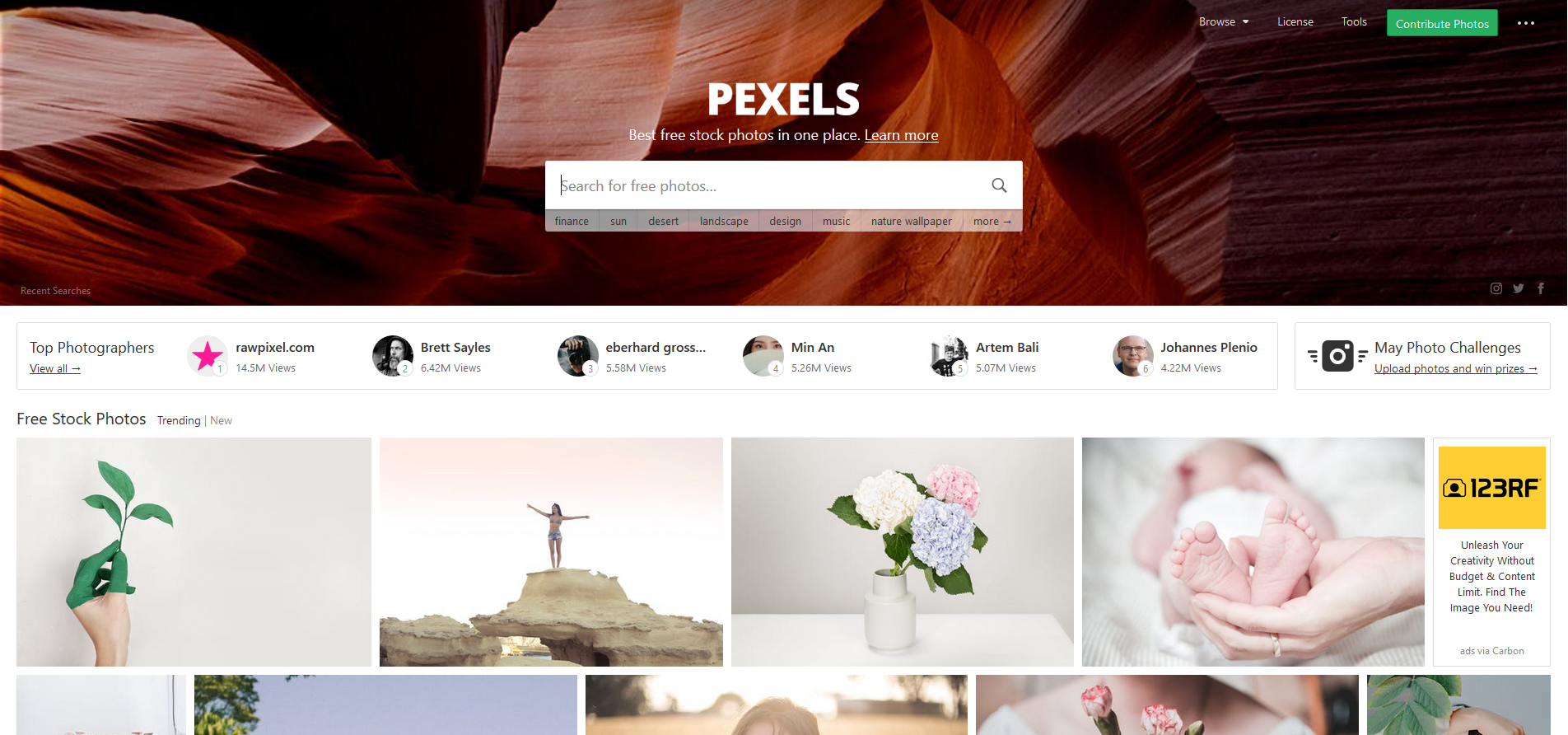
Free graphics from Pexels
Pexels is a free image library where users (often professional photographers) share their work with others. Just type in a keyword and choose the right image (remember that the site operates only in English). Each free graphic on Pexels can be downloaded in different resolutions. You can choose from five options, including one where you can set custom dimensions — very convenient!
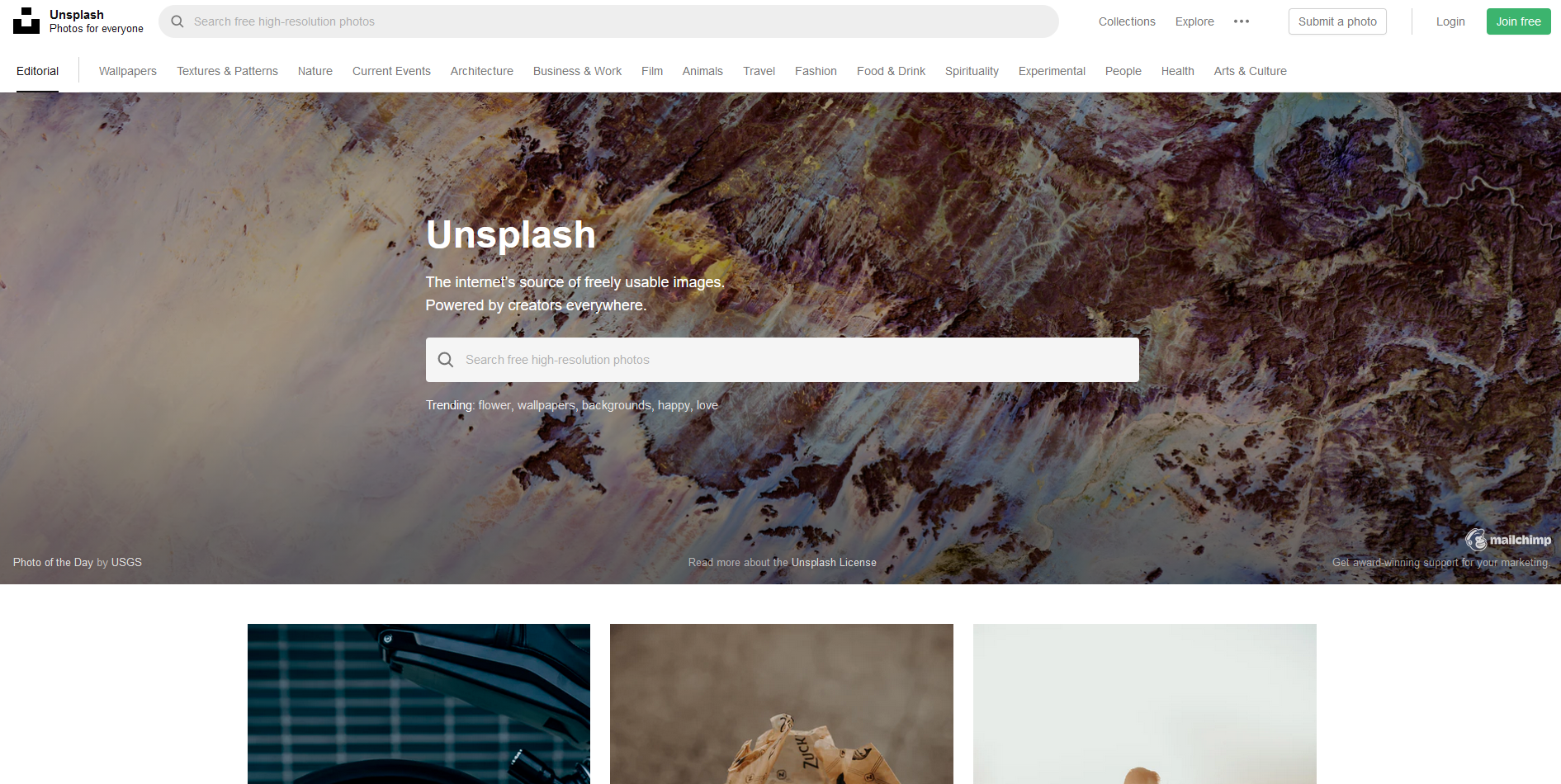
Free graphics from Unsplash
This platform works similarly to Pexels. It also uses English search terms, and its photos are organized into categories, so if you’re looking for a specific theme, you can browse an entire group of related images immediately. On Unsplash, each image can be downloaded in only one available size.
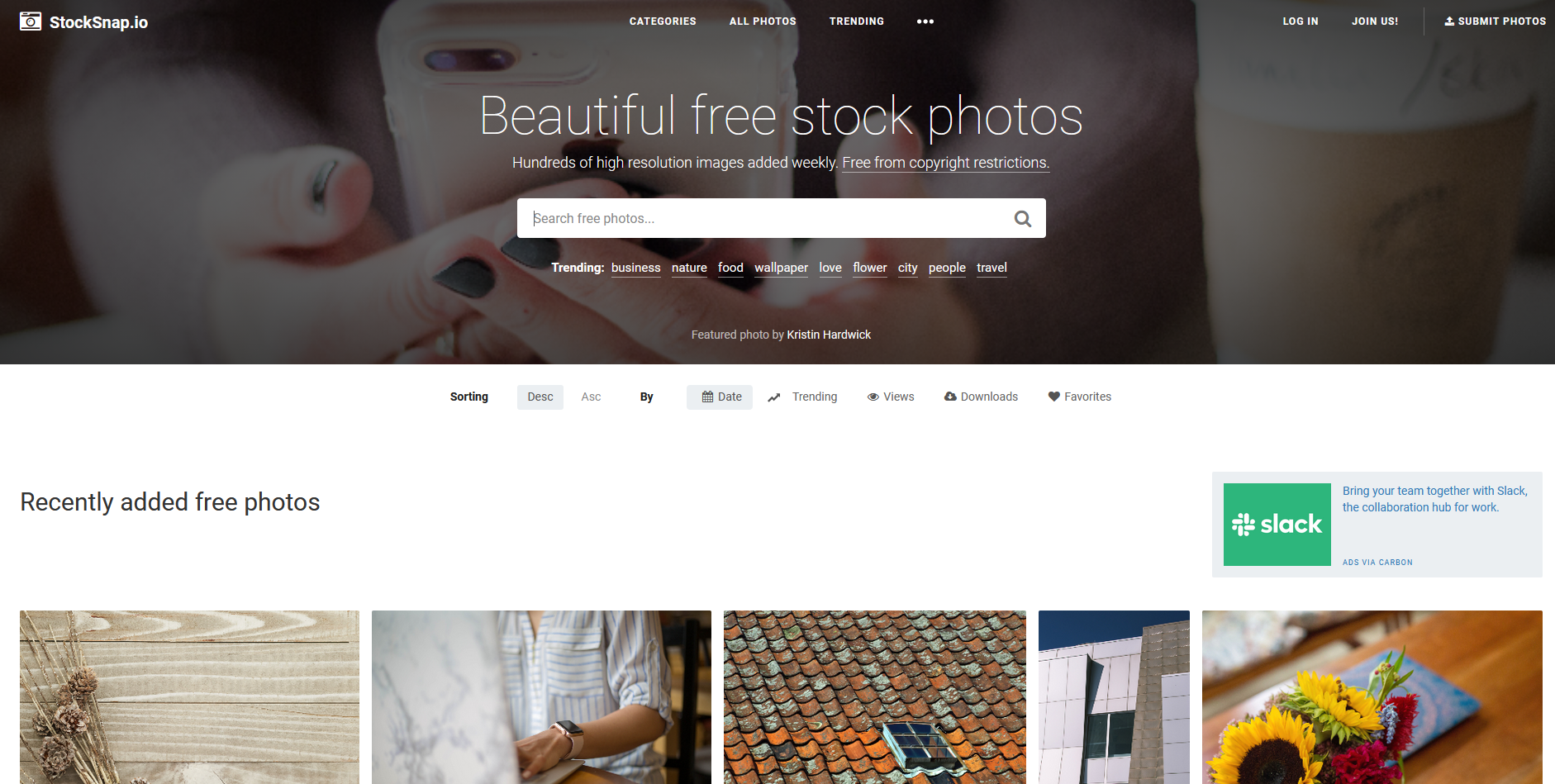
Free graphics from StockSnap
Another website that allows you to download free graphics is StockSnap. Its mechanism works almost identically to Unsplash — you also download images in a single resolution, and you can browse by categories or sort pictures by popularity.
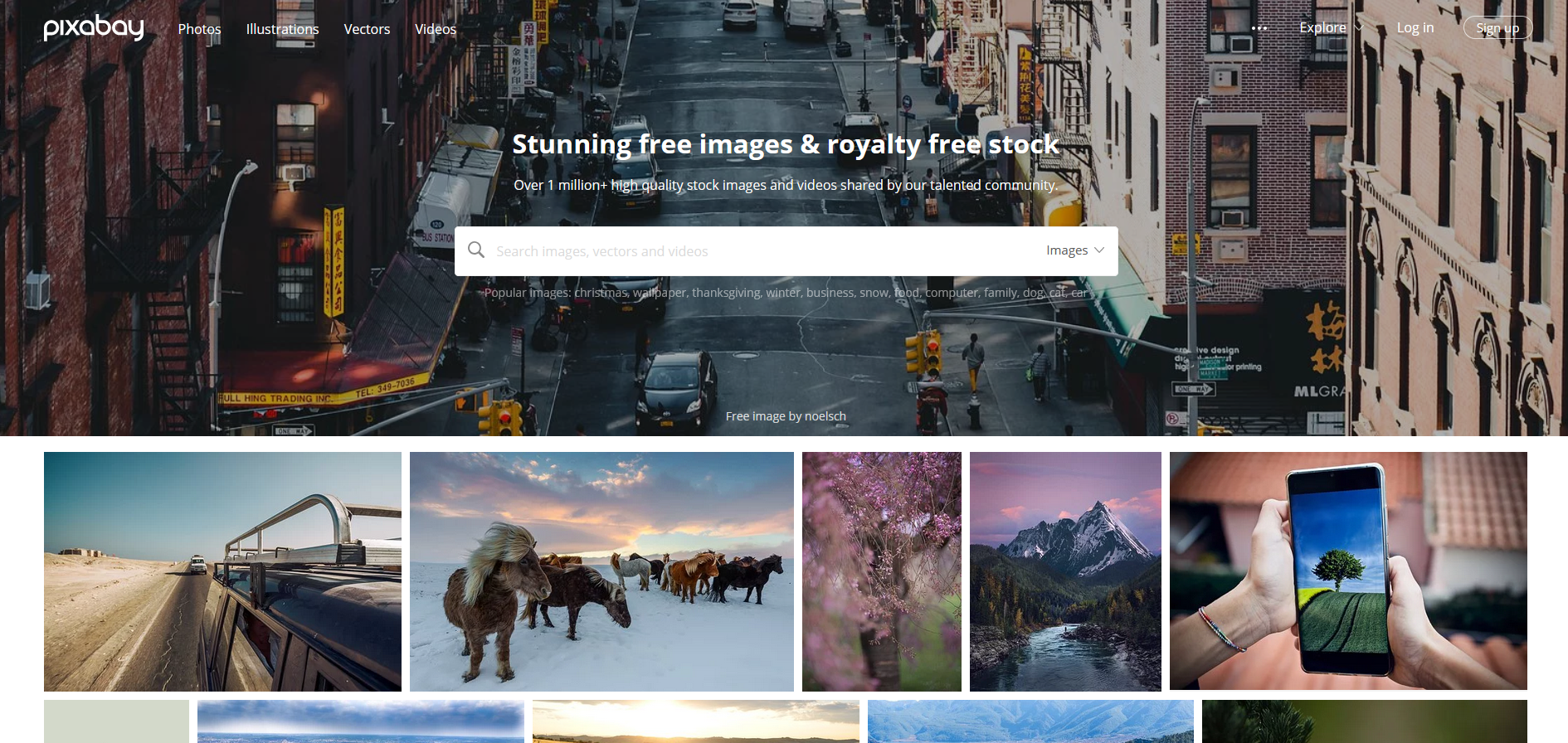
Free graphics from Pixabay
Pixabay is probably the most advanced platform offering free graphics. With a database of over a million photos and illustrations, everyone is sure to find something suitable. But this service provides not only free graphics — it also offers a wide selection of free 4K videos!
Free graphics from Google
Indeed, the first place most of us check when looking for interesting images or photos is Google Images. However, it’s important to remember that Google’s collection contains all kinds of files — both free graphics and those protected by copyright — so you need to be especially careful.
Fortunately, Google has made things easier for users who need free graphics by adding a very useful feature that every internet user should know about: advanced image search! All you need to do is use the advanced filtering options for image licenses.
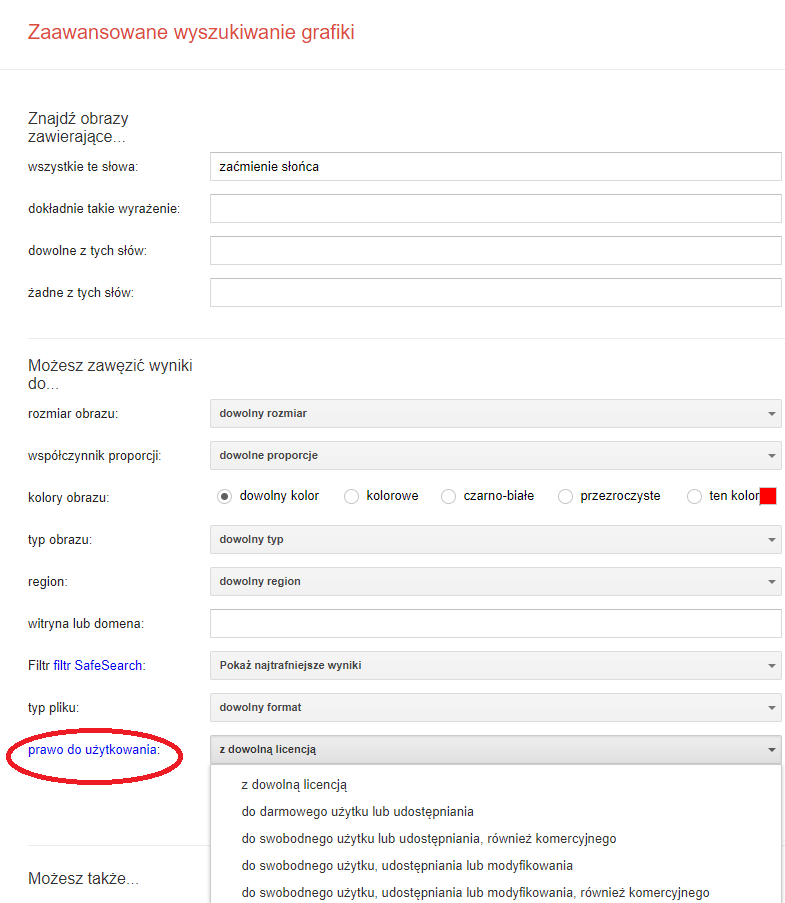
But what do the individual options mean?
For free use or sharing – you can use and share the content, but only in its original form.
For free use, sharing, or modification – you can use, share, and modify the content as allowed by the license.
For commercial use – choose this option when you want to use the content for commercial purposes.
Free graphics or your own creations?
Before you start searching for the right image, consider whether you can create it yourself. Taking a photo with a smartphone doesn’t require extraordinary photography skills! You can use many photo-editing tools that can work real wonders, and most of them are extremely easy to use. Even low-quality photos can be “rescued” this way!

VSCO – free graphics created by you
One of the most popular photo-editing tools for smartphones is the VSCO app, which enjoys widespread popularity. Using various editing tools, you can transform any photo by adjusting saturation, exposure, cropping, and more. You can also use ready-made filters that the app suggests automatically based on the photo’s colors. The app is free, although more advanced features require a paid upgrade. However, for online activity, the basic version is more than enough. With simple tools like these, you can easily enhance your photos!
Snapseed – free graphics from your own photos
A strong competitor to VSCO is Snapseed, which also enables quick and simple photo editing. Its interface is very similar to VSCO. You can give your images a unique style or use one of the ready-made filters. The app is completely free and includes a Polish-language version, which is especially useful for those who find English-language services challenging.
There are of course many more apps like Snapseed and VSCO, and everyone can find their favorite. So if you have the ability to create your own graphics for a post, it’s worth doing! Hand-made photos not only protect you from legal issues but also give your content a unique, personal character. Users can easily tell the difference between an image pulled from the internet and one you created yourself.
Therefore, even if you use free graphics, never claim authorship — readers and followers on social media will quickly spot the inconsistency.
Stock — the (not) free graphics
Of course, sometimes it’s impossible to create an image that fits your post, and in those cases you need to use external sources.
Stock sites — platforms that offer images for which you can purchase usage rights — are extremely popular. We often don’t realize how frequently we see stock images in posters, ads, Facebook posts, or magazine covers. Many stock photos have taken on a life of their own, becoming memes, with their “characters” becoming iconic in social media content.
But jokes aside, using these images without purchasing a license is prohibited! Every stock photo contains a watermark indicating that you cannot legally use it for your projects. When using stock sites, remember that these are not free graphics, and using them — especially for advertising — is illegal without proper licensing.
Popular stock platforms such as Shutterstock are not the cheapest, which is why they are mainly used by large companies that can afford a subscription. It’s worth learning alternative ways to source visually appealing graphics without high costs.
Have you ever seen the same person appear in ads for different brands? No surprise! When using images from stock libraries, the same model or scenario is often reused by multiple brands or institutions.
Free graphics – remember this!
Not all images available online can be used freely. Fortunately, there are plenty of ways to access free graphics that can enhance your blog posts. We also encourage you to create your own visuals and experiment with editing apps — this can produce very satisfying results! But if you do need to find a graphic online, make sure it isn’t protected by copyright. Free graphics are widely available, so why create unnecessary problems?
-
always check the source of the image you download to ensure it’s not protected by copyright
-
to access free graphics, it’s worth using dedicated platforms such as Pexels or Pixabay
-
you can always create your own photos and edit them using apps like VSCO or Snapseed
-
before downloading images from Google Images, always verify whether they can be used freely